Notion? For developers? Fair question. It’s true, we haven’t always been the most developer-focused platform. Today that changes.
Introducing: the Notion Developer Platform.
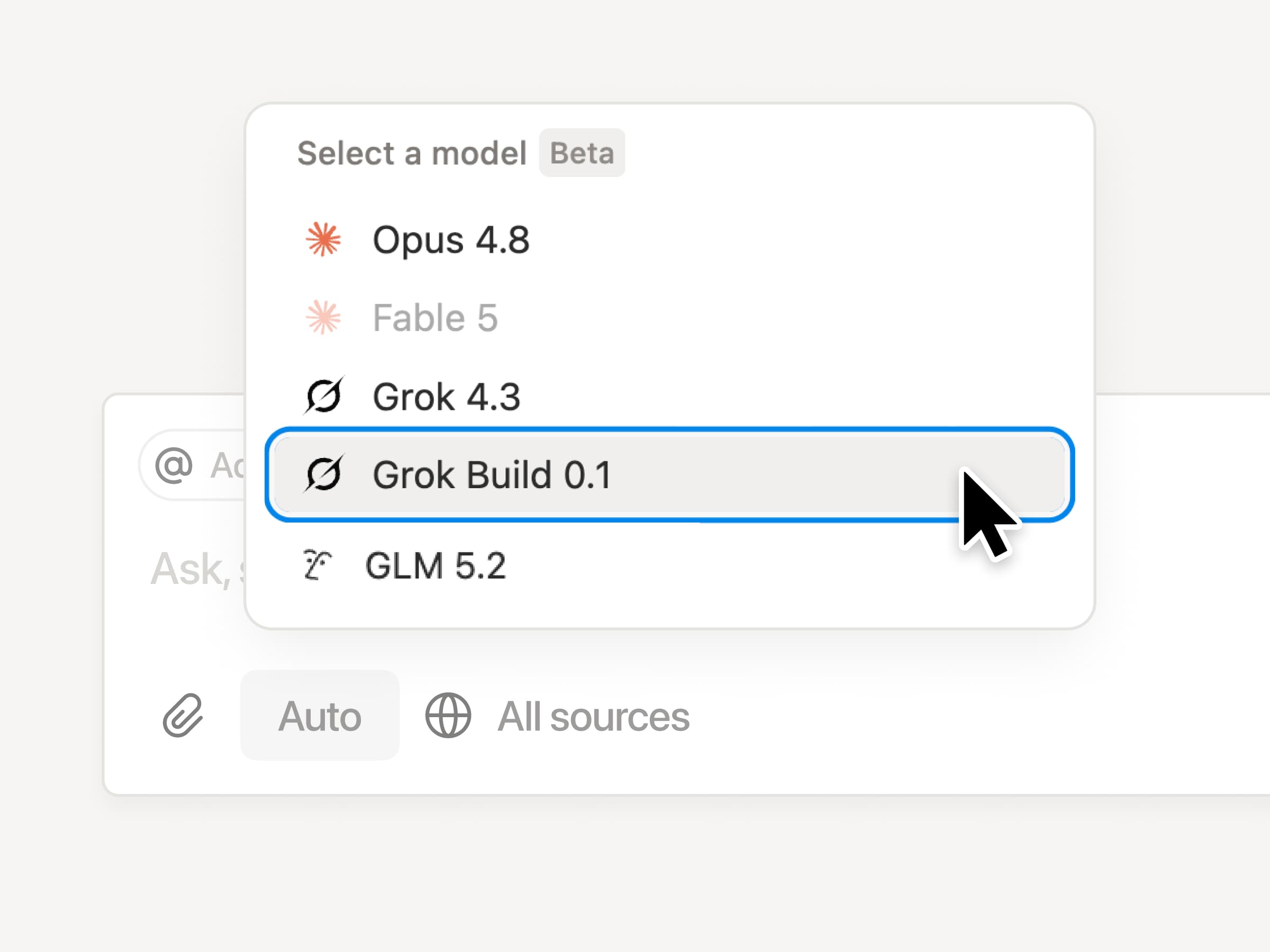
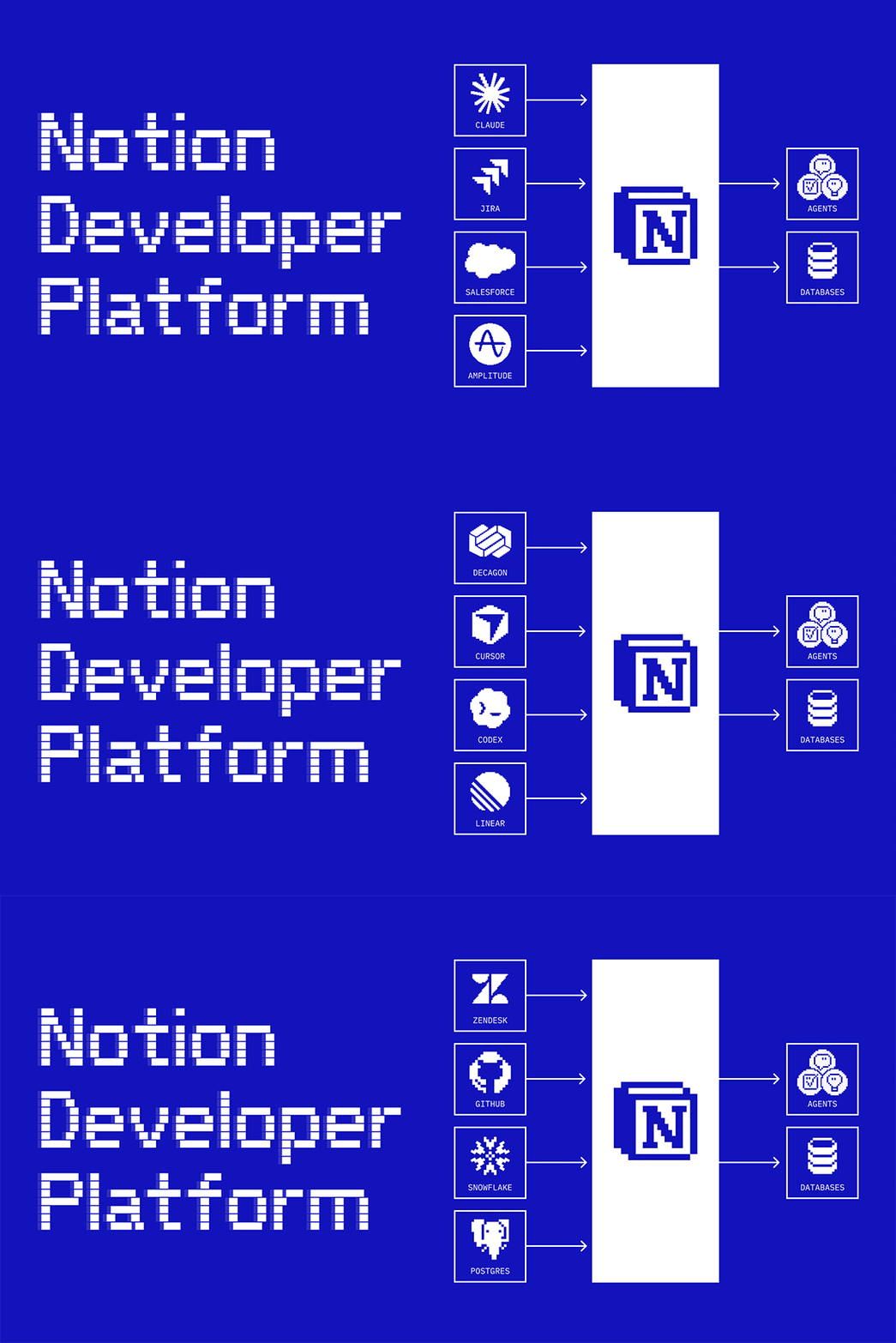
Now you (and your coding agents) can write code to sync any data and build any agent tool, all running on our infrastructure. You can also bring your favorite agents into Notion (like Claude, Codex, Decagon, or ones you’ve built yourself). It turns Notion into one shared canvas with all your data, for your team and agents to work together.
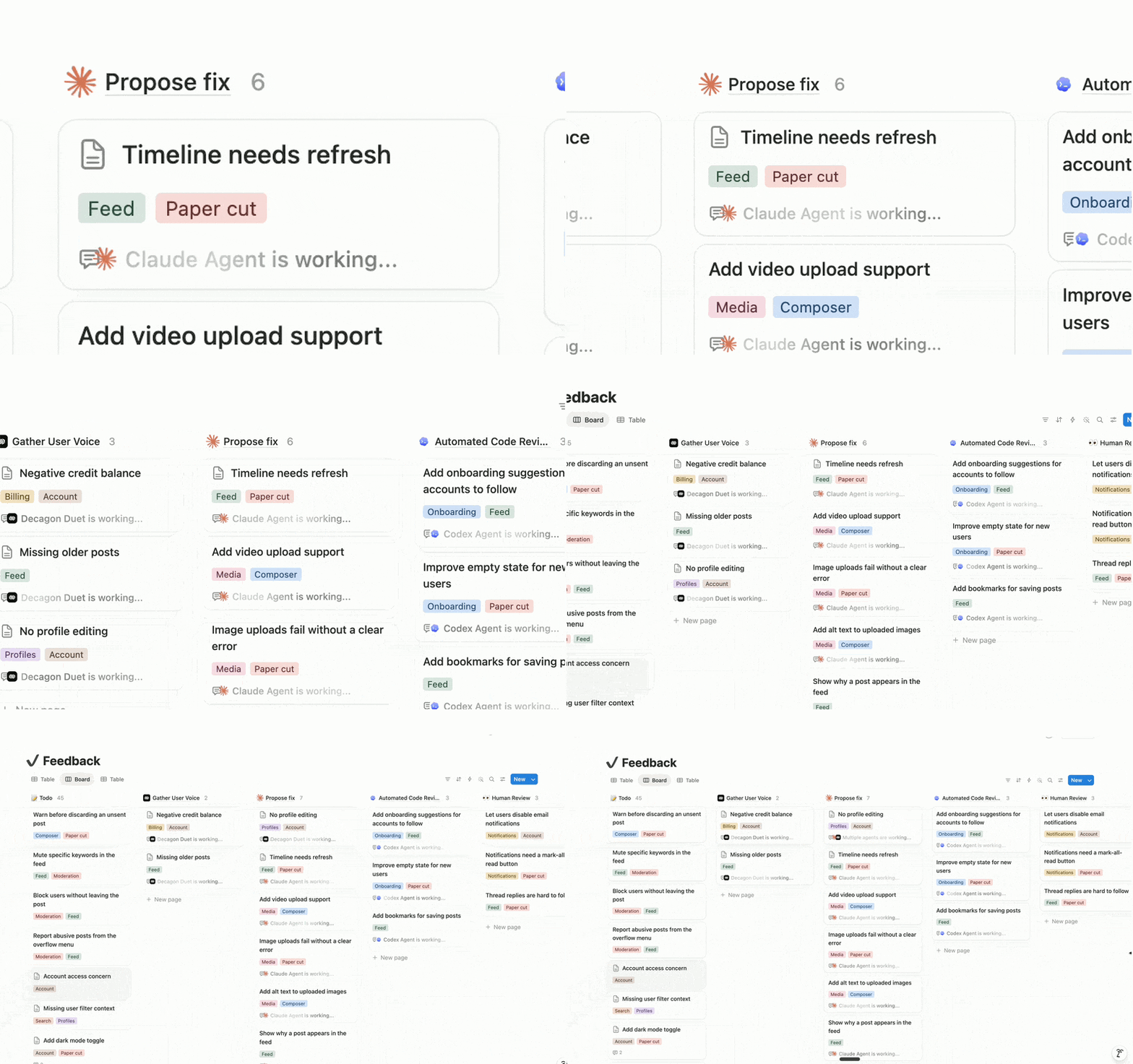
Orchestrate all your team’s agents (Alpha)
Bring your favorite agents into Notion with the External Agents API, even the ones you built yourself. We’ve also partnered with Claude, Codex, Decagon, and more so they work out of the box. Now Notion is your orchestration layer: a Decagon ticket routes to your coding agent, which proposes a fix and loops in your team to approve. Anyone can work with agents in Notion, not just engineers. Join the External Agents waitlist →
Notion is our AI layer because it’s where work is created or imagined—and we want our agents as close to the action as possible.
Dan Gilbert
CEO at Brainlabs
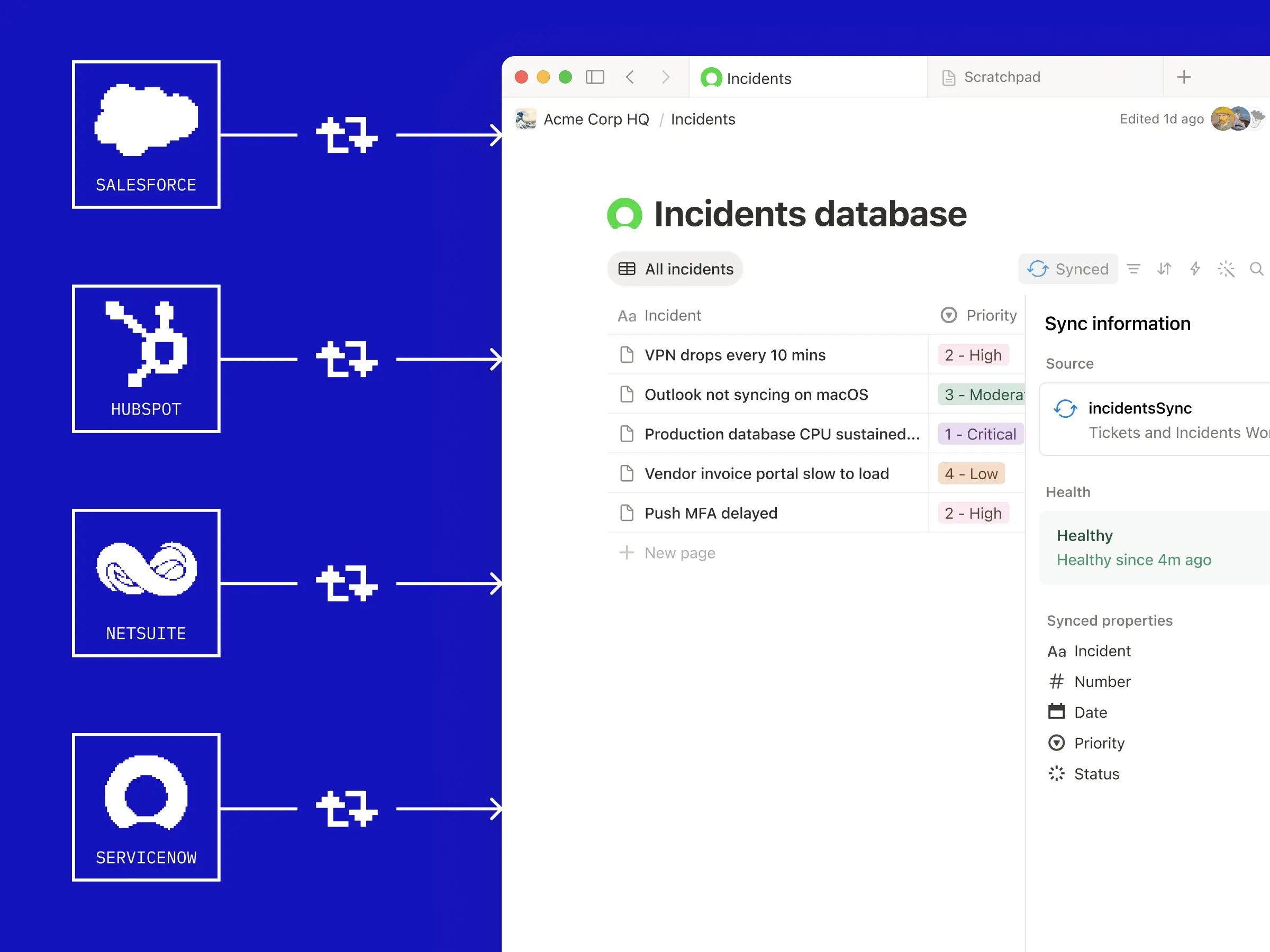
Sync any data source (Beta)
Sync any data source with an API into your Notion databases. No servers for your team to manage. Our new database sync is powered by Workers that run on our infrastructure (more on this below). Pull in tickets from Zendesk so agents can take a first pass on the fix. Sync customer data from Salesforce for agents to build detailed reports. Connect Strava and Spotify data to curate the perfect running playlist. Whatever context you need can now live in Notion. Watch the demo →
Workers give us the tools to build deep integrations into Notion that simply couldn't exist before. We have a worker that runs every night that syncs and converts uneditable PDFs in our Google Drive into rich, fully editable pages in an organized Notion database. It unlocks this data for our team and agents - and saves us tons of time.
Sam Lambert
CEO at PlanetScale
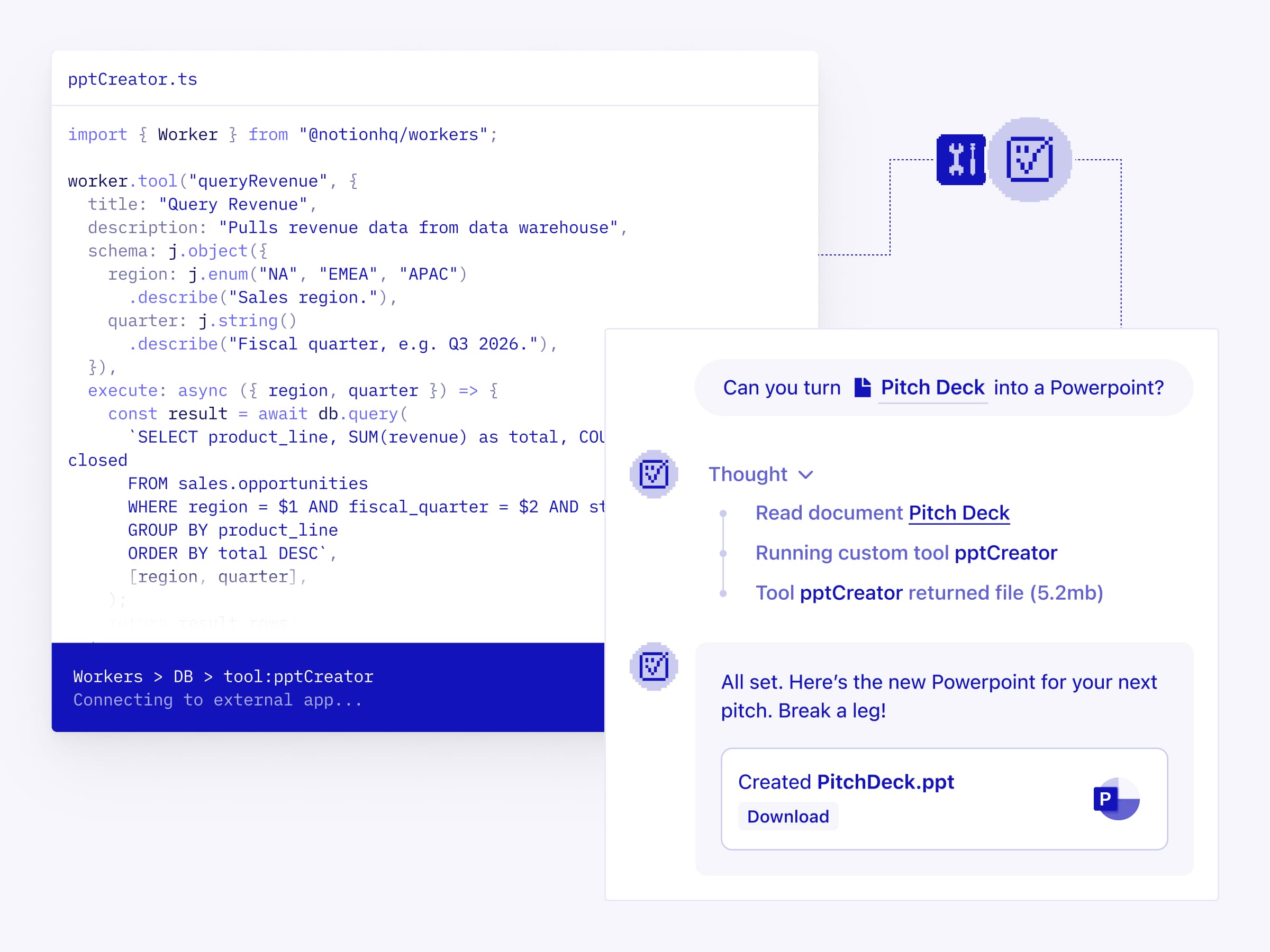
Give your Custom Agents capabilities that Notion and MCP don’t cover on their own. Write your logic in code and deploy it as a Worker. It’s deterministic, so it’s more reliable than LLM reasoning, and a fraction of the token cost. Use them to generate assets, query internal data, or take action in any other app. Read the docs →
I think of Notion Workers as infrastructure: they auto-populate, auto-update, and set up the systems I need.
Austin Tedesco
Head of Growth at Every
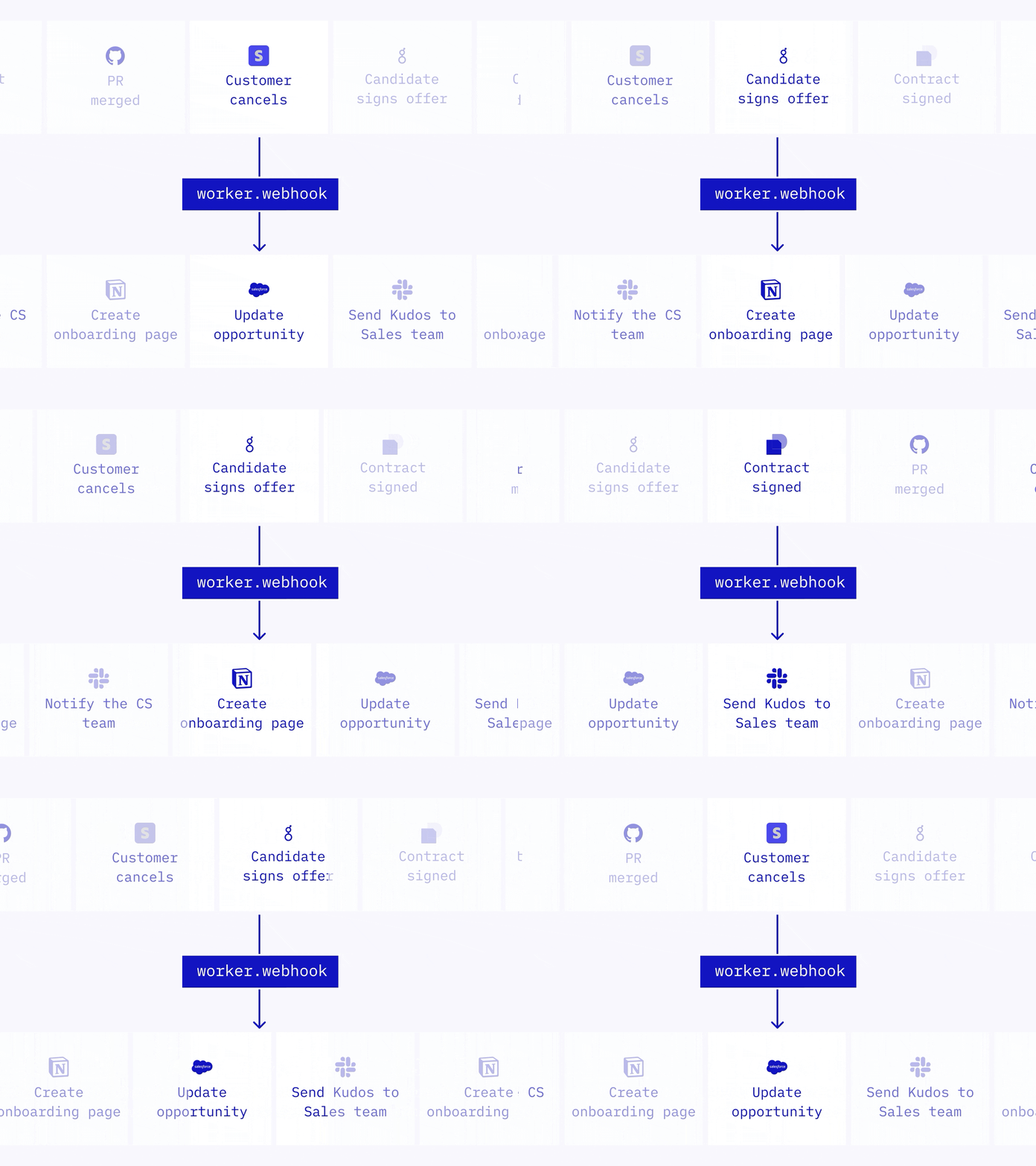
Trigger Notion workflows from anywhere (Beta)
Webhooks used to be a one-way street: Notion could trigger your other apps, but not the other way around. Now any app can trigger Notion directly. A Worker receives the webhook, runs your logic, and takes action in Notion or calls other APIs. Use it to close tasks when a PR merges, update your CRM when a subscription changes, or create an onboarding doc when an offer is signed. Read the docs →
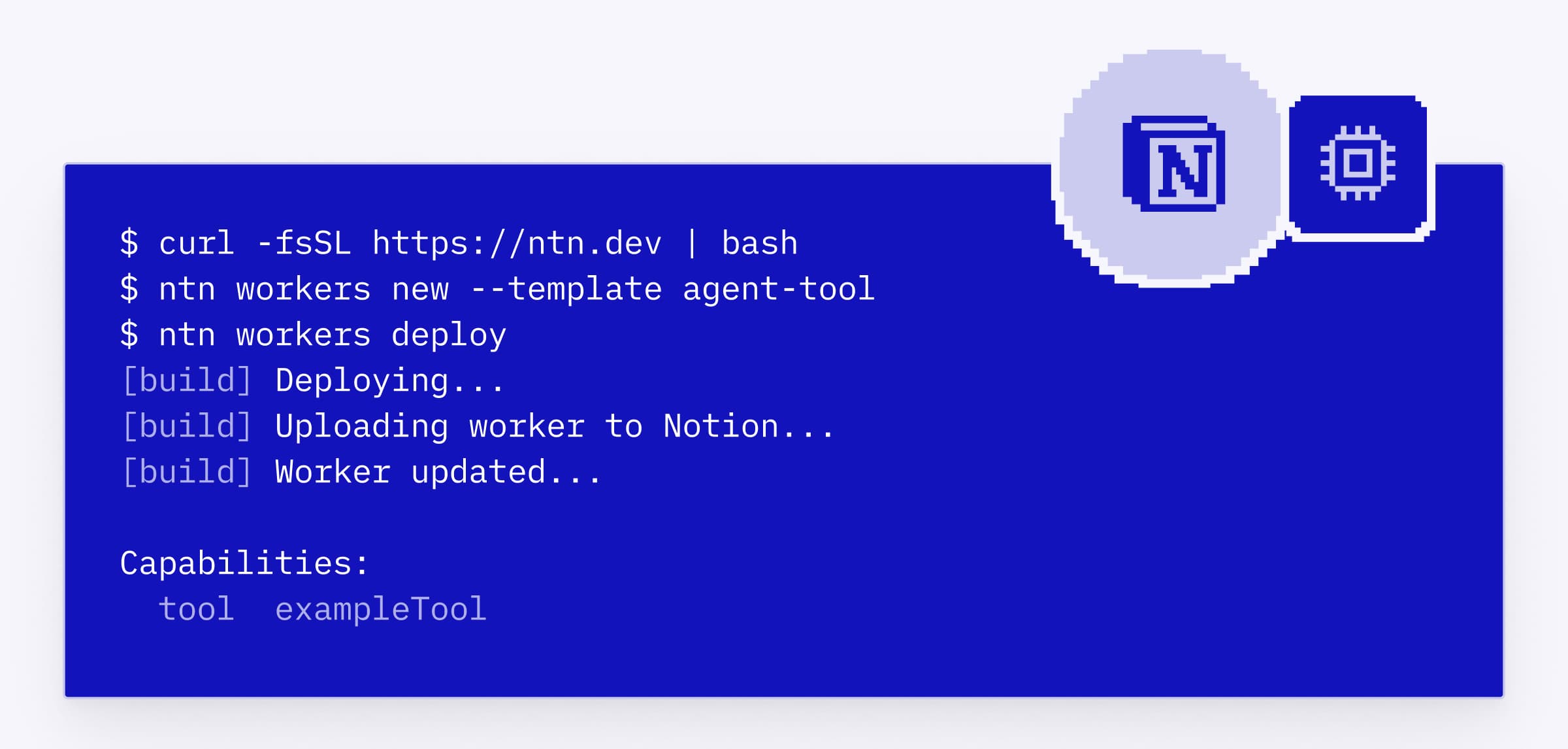
Database sync, agent tools, and webhook triggers are all powered by a new primitive we’re calling Workers. Notion Workers are our hosted runtime for custom code, so you can extend Notion without running your own servers. You and your coding agent write the code, deploy it through the CLI, and run it in a secure sandbox. Workers are free to try during the beta period. Starting August 11 2026, Workers will run on Notion credits. Read the docs →
Workers let us connect directly to other tools’ APIs and automate what used to be manual handoffs. Notion becomes the connective layer, and Workers fill in whatever gaps exist between your tools.
Brian Emerick
Technical Program Manager at Vercel
A Notion CLI, built for devs and coding agents
The Notion command-line interface (CLI), made specifically for developers and coding agents, is a new way to work with Notion programmatically. Use it to sign in to your workspace, read and take action in Notion, build and deploy Workers, and extend Notion however your team needs. To install, run curl -fsSL https://ntn.dev | bash. Watch the demo →
Use your Notion Agents in any app (Alpha)
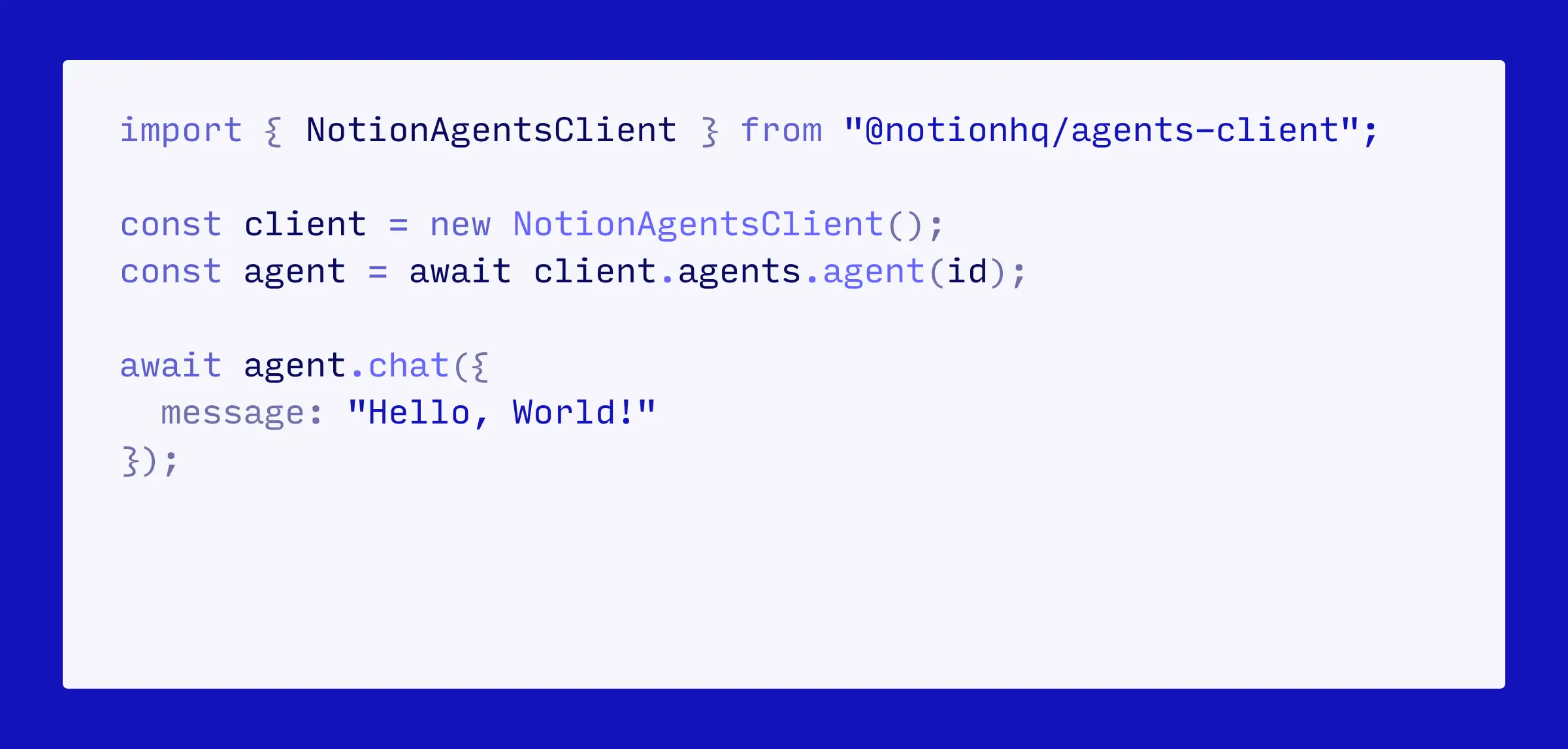
Soon, your Notion Agents won’t have to stay in Notion. With the Notion Agent SDK, you can embed an agent inside your other tools. Trigger a deal report from a button in your CRM. Answer repeat questions inside MS Teams or Discord with verified knowledge from your workspace. Or pull customer context into Amplitude, Hex, or any dashboard. Join the Agent SDK waitlist →
Manage all connections from one tab
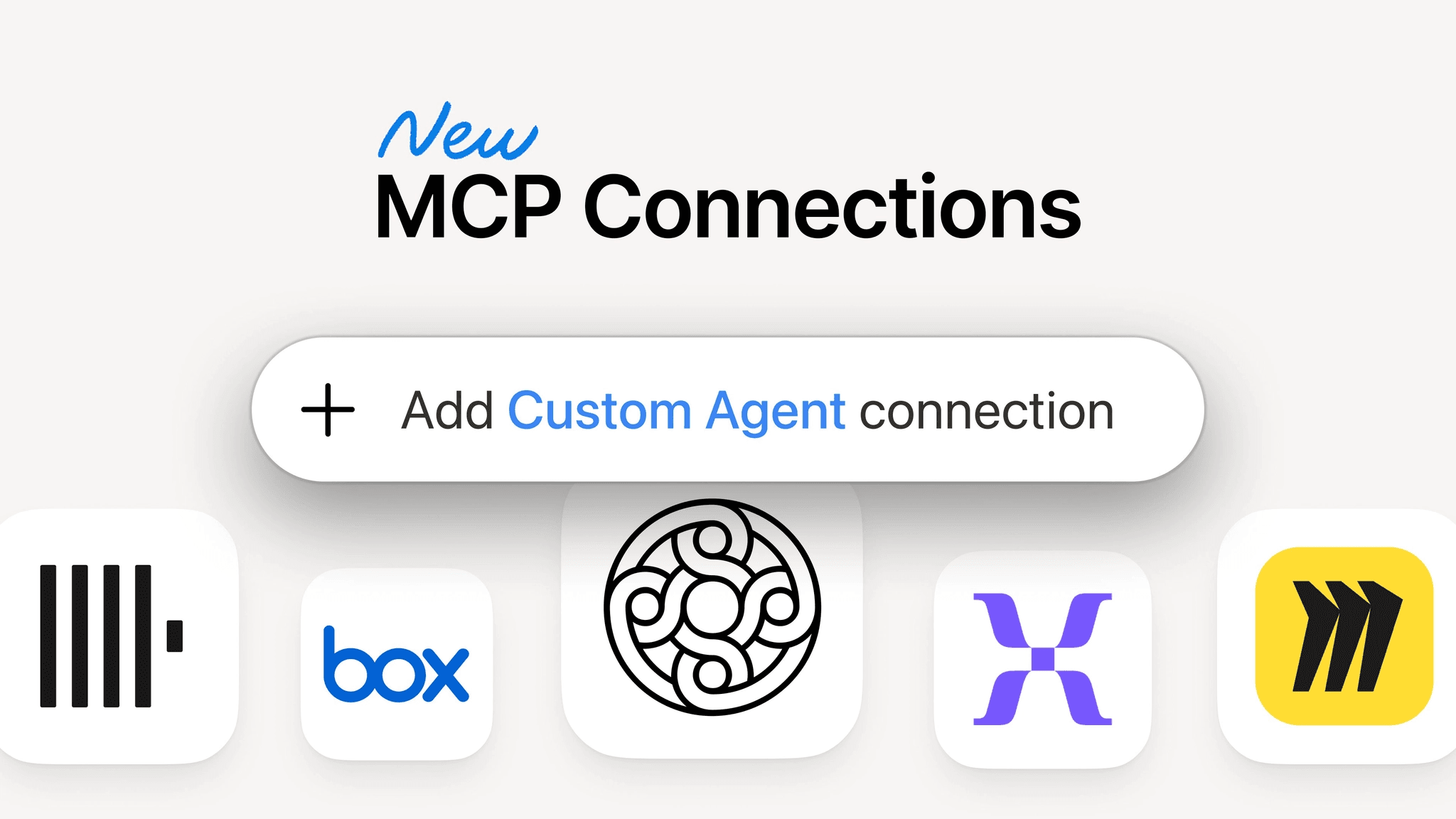
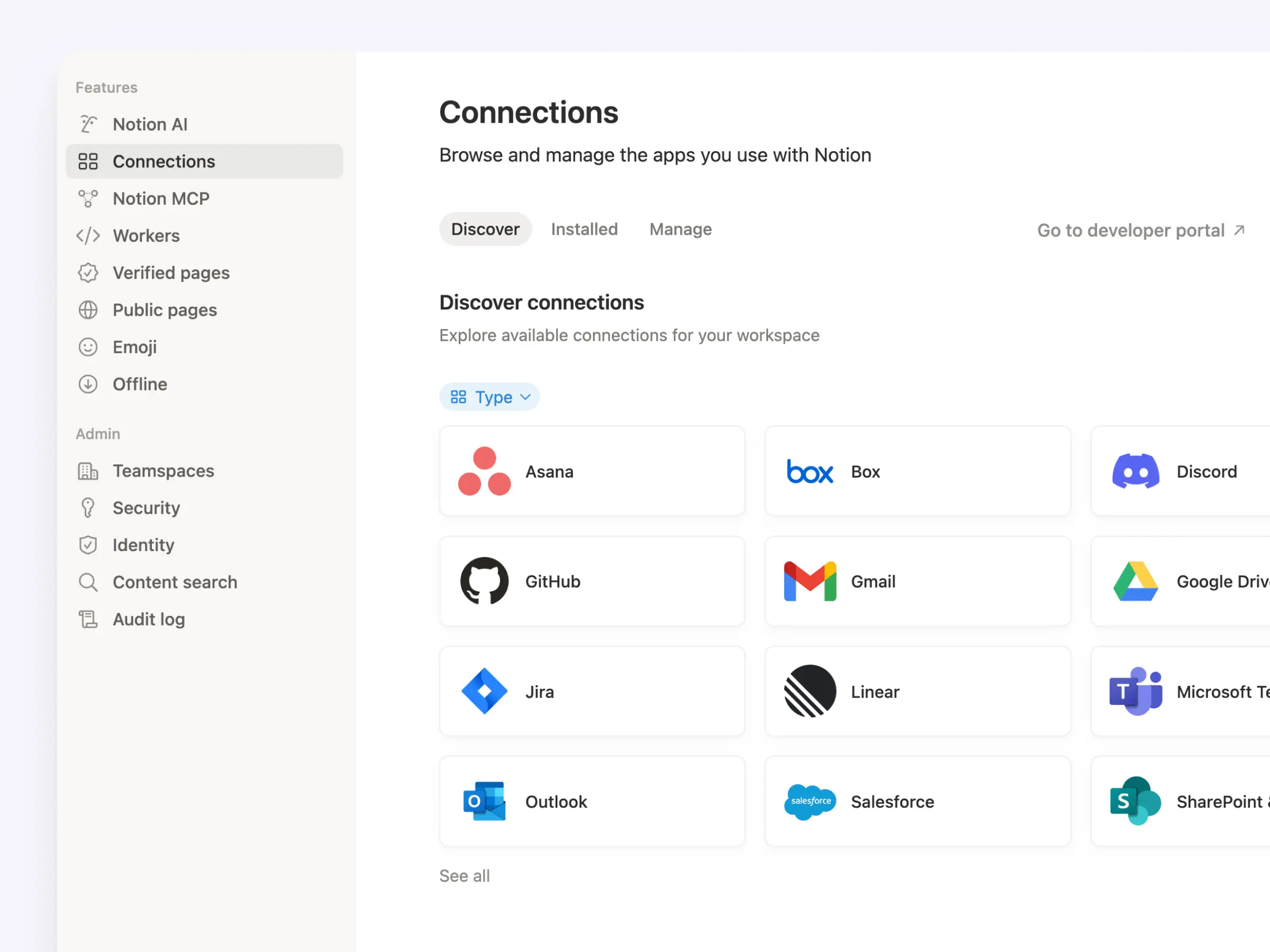
We’ve updated the Connections tab in workspace settings. Now, every connection lives in one place, so your team can see everything that’s available at a glance. It includes personal and workspace connections, personal access tokens for API authentication, and internal API connections. And each app shows every connection type in one listing. Go to Settings → Connections to check it out (or click here).
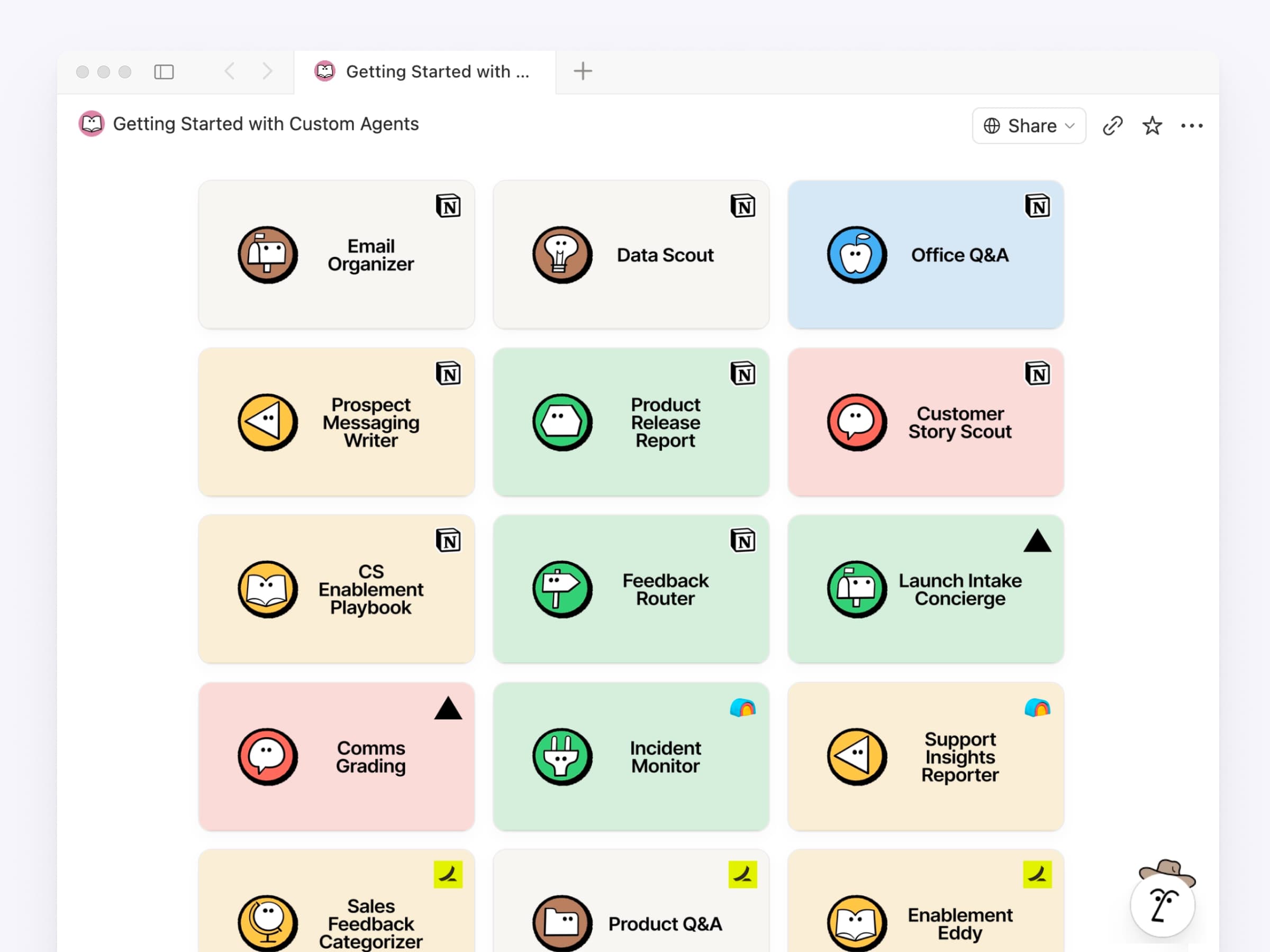
Knowing what agents to build can be the hardest part, so we pulled together the best agents from companies like Ramp, Clay, and Vercel into one library. Each one comes with a checklist of exactly what you need (databases, pages, tools) and a starter prompt to copy/paste. Pick one and set it up in minutes. Browse the collection →
More updates your devs will love
Markdown API: ICYMI read and write Notion pages as Markdown. Built for the way agents already think.
Notion MCP: Now works with Meeting Notes and block comments, plus creating and updating databases are 91% more token-efficient.
Notion API: Any member can build connections (not just Workspace Owners). Plus workspace-scoped OAuth and personal access tokens. See releases →
Developer Portal: app.notion.com/developers is now a dedicated portal for creating, managing, and listing your connections and tokens.
Developer Docs: Rebuilt and streamlined for clarity with a built-in AI assistant to help you find what you need.
This is just the beginning for the Notion Developer Platform. Any data, any tool, any agent, all running on our infrastructure. We can’t wait to see what you build.
Keep the feedback coming!
P.S. We announced all of this and more at Make with Notion: Developer Platform. Watch the keynote →
P.P.S. Curious what teams are already building? See how Every, Brainlabs, and Vercel are using our developer platform in production.
P.P.P.S. One more thing. You can now merge cells in simple tables, just like a spreadsheet. We’re excited about this one too.